The first few weeks in a new country are a blur. There’s the SIN number, the bank account, the apartment hunt, the first Canadian winter coat. And then, one quiet evening, it hits you: you miss home. Not just the people. The little things. The evening news in your own language. The drama your whole family follows. The match everyone back home is talking about on WhatsApp while you’re trying to find a stream that works.
If that sounds familiar, you’re in very good company. According to Statistics Canada, immigrants made up 23% of the population in the 2021 census, the largest share in over 150 years. Almost one in four people around you on the bus started their Canadian story somewhere else.
This guide is for you. We’ll explain, in plain language, how newcomers use IPTV to watch channels from home and Canadian TV on one screen, what it costs, how to pay, how to set it up on the devices you already own and how to avoid the scams that target people who are new here. We run IPTV Canada, so we’ll also tell you honestly how our own service fits in.
Before anything else: every family has a different list of “must-have” channels. The only way to know for sure that yours are available is to test them. That’s exactly what our free 24-hour trial is for: no credit card, no commitment.
Why Watching TV From Home Matters More Than People Think
People who haven’t moved countries sometimes think of TV as a luxury. Newcomers know better. TV from home does real work in your life:
- It keeps the kids connected to their language. Children pick up English or French incredibly fast at school. Cartoons and shows in your home language help them keep the language of their grandparents too.
- It keeps you in the conversation. When your family calls about the election, the big wedding on that drama or last night’s match, you know what they’re talking about.
- It makes the hard days softer. A familiar voice on the news or a comedy you grew up with is real comfort during a long winter far from home.
- It’s a gift for visiting parents. When parents or grandparents come to stay, having their channels ready on the TV makes a long visit feel like home.
The problem is that traditional options make all of this expensive and complicated. Let’s look at why.
The Old Way: Expensive Add-Ons and Satellite Dishes
Before IPTV, newcomers usually had three choices, and none of them were great.
Cable with international add-ons
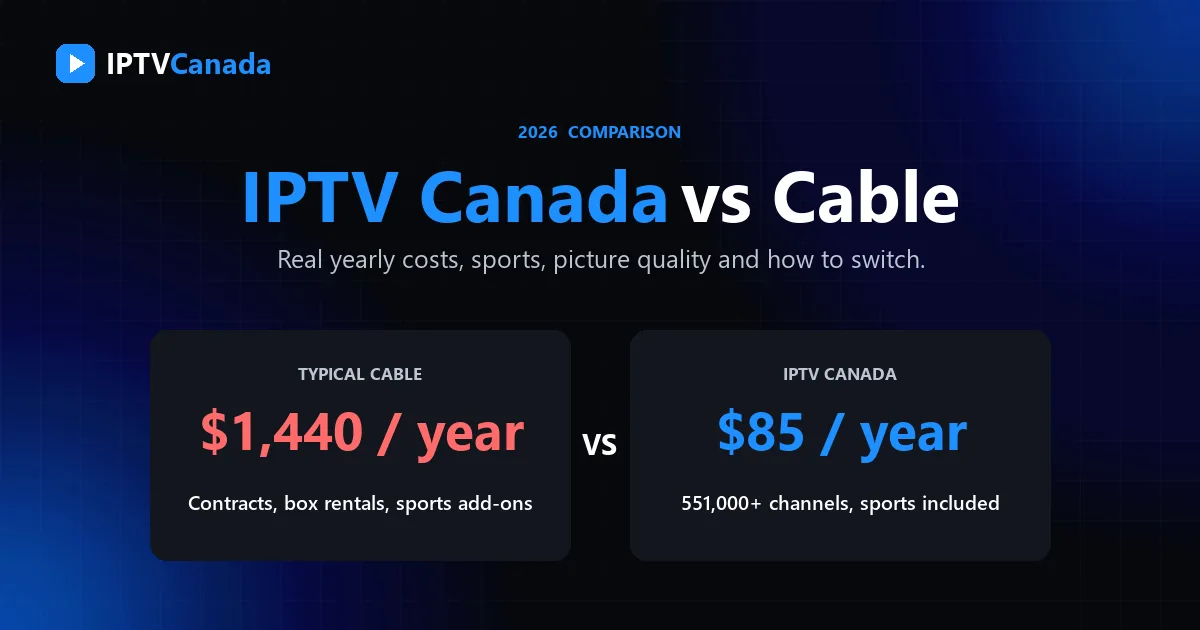
Canadian cable companies do offer some international channels, but usually as paid add-ons on top of an already pricey base package. One language pack here, another one there, and the bill climbs quickly. If your household speaks more than one language, or you want channels from more than one country, it gets expensive fast. We break down the real yearly cost in our IPTV vs cable comparison.
Satellite dishes
Some families install a dish to pick up channels from abroad. It can work, but it means installation costs, landlord permission (good luck in a condo), and a picture that cuts out during heavy snow. Not ideal in a Canadian January.
Random free streams
Then there are the free websites that pop up when you search for a channel name. They’re tempting, but they freeze constantly, they’re packed with aggressive pop-ups and fake “download” buttons, and some carry malware. The Canadian Centre for Cyber Security has good advice on staying safe online, and avoiding sketchy streaming sites is near the top of the list for any household.
How IPTV Brings Home and Canada Together on One Screen
IPTV simply means television delivered over your internet connection instead of a cable or a dish. If you’ve ever used Netflix or YouTube, you already understand the idea. The difference is that IPTV gives you live channels, with a TV guide, just like regular television. (Brand new to the concept? Our short guide on what IPTV is and how it works explains it in five minutes.)
For newcomers, the magic is in the combination. In one app, on one screen, you get:
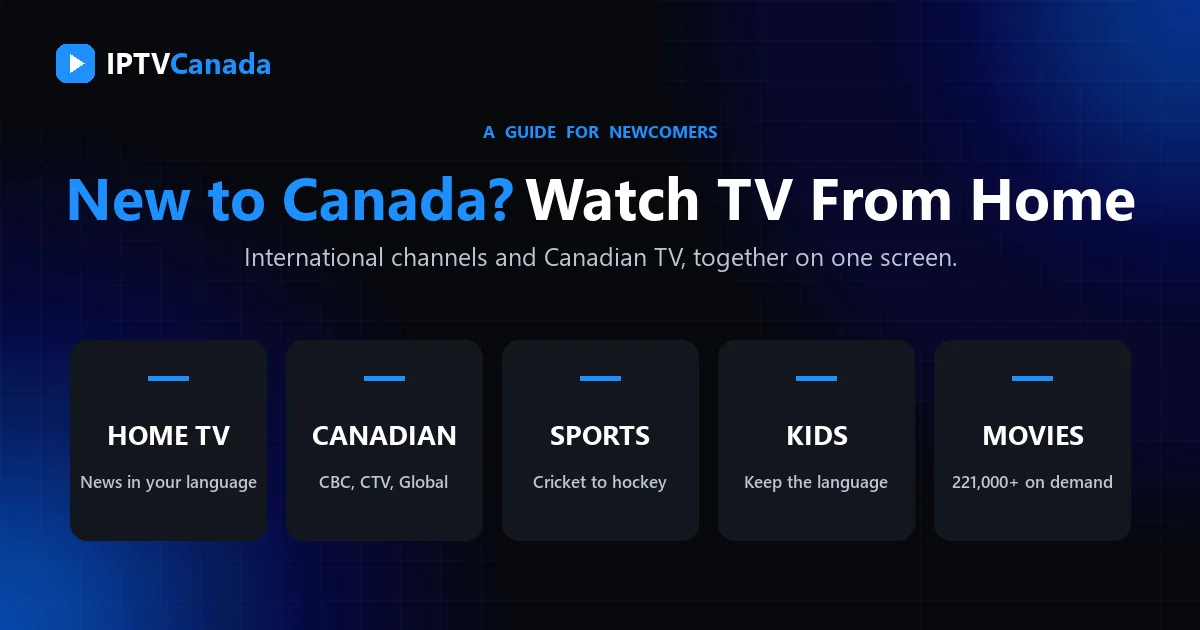
- International channels from many countries and languages: news, dramas, kids’ shows, religious programming and sports from back home.
- Canadian channels like CBC, CTV, Global, TSN and Sportsnet, so you can follow local news and get to know your new home.
- US networks for the shows your new co-workers talk about.
- 221,000+ movies and series on demand, including films and shows from around the world.
- Several screens at once, so grandma can watch her drama while the kids watch cartoons and you catch the match.
Our service carries 551,000+ live channels in total. When you order, choose the All content package: it opens up the international side of the lineup alongside the English and French Canadian channels.
What Kinds of International Channels Can You Watch?
Canada’s newcomers come from everywhere, and so do the channels they look for. The families we talk to most often are looking for TV in languages like:
| Community | What people usually look for |
|---|---|
| South Asian (Punjabi, Hindi, Urdu, Tamil, Gujarati, Bengali) | News, family dramas, Bollywood and regional films, devotional channels, cricket |
| Filipino (Tagalog) | News, teleseryes, variety shows, basketball |
| Chinese (Mandarin, Cantonese) | News, dramas, variety and cooking shows |
| Arabic | News, series, religious programming, football |
| African (English, French, Swahili and more) | News, music, Nollywood films, African football |
| Latin American (Spanish, Portuguese) | Telenovelas, news, Liga MX, Brasileirão and other football |
| European (Italian, Portuguese, Polish, Ukrainian, Greek and more) | News, football, entertainment |
| Persian, Turkish, Korean, Vietnamese and others | News, series, music, movies |
We’re not going to pretend we can list every single channel here: there are far too many, and broadcasters change their lineups all the time. Instead, do this: write down the five channels your family can’t live without, request a free trial, and check each one. If something you need isn’t there, tell us. We’d rather you know before you pay.
Don’t Skip the Canadian Channels
Here’s some advice we give every newcomer family: don’t only watch TV from home. Canadian TV is one of the easiest, most enjoyable ways to settle in.
Learn the language, one episode at a time
Watching the local news with English or French subtitles is a surprisingly effective way to get used to Canadian accents, slang and everyday expressions. It won’t replace a proper class, though. The Government of Canada offers free English and French classes for many permanent residents, and TV makes a great companion to them. If you’re settling in Quebec, French-language channels like ICI Radio-Canada Télé, TVA and Noovo will help you feel at home much faster.
Understand your new home
Local news tells you what you actually need to know: snow-day school closures, transit strikes, extreme cold warnings, elections. Channels like CBC, CTV, Global, CityNews and Toronto’s CP24 are part of everyday life here. Our guide to Canadian IPTV channels walks through the main networks one by one.
Join the national obsession
Nothing helps you make friends at work faster than having an opinion about last night’s hockey game. Even if you’ve never watched a game before, Hockey Night in Canada on a Saturday is a rite of passage. Our beginner-friendly guide on watching hockey with IPTV is a good place to start, and soccer fans will find plenty of football from around the world, too.
Canada also has its own multicultural broadcaster, OMNI Television, which produces news and programming in several languages for communities across the country. It’s a lovely example of how Canada treats its many languages as part of its identity.
What Does It Cost? Real Numbers for a Newcomer Budget
When you’re starting over, every dollar counts. Rent in Toronto, Vancouver or Montreal can be a shock, and nobody wants a TV bill that competes with groceries. Here’s what our plans actually cost, with everything included and no hidden fees:
| Situation | Suggested plan | Price |
|---|---|---|
| Just arrived, want to try it | 1 device, 1 month | $20 |
| Living alone or with a roommate | 1 device, 12 months | $85 (about $7.08/month) |
| Couple, or parents visiting for a few months | 2 devices, 3 months | $60 |
| Family with kids | 3 devices, 12 months | $195 (about $16.25/month) |
Compare that with paying for a cable base package plus one or two international add-ons every month, and the savings add up to hundreds of dollars a year. There’s no contract, no credit check and no equipment to rent. You can see every combination on our plans and pricing page.
A tip from other newcomer families: start with a short plan while you settle in, then switch to a 12-month plan once you know your address and routine. It’s the cheapest way to watch over the long run.
How to Pay When You’re New in Canada
This is a real headache for newcomers. Many services want a Canadian credit card, and building credit takes time. We keep it simple: we take payment by Interac e-Transfer.
If you’ve opened a bank account at any major Canadian bank or credit union, you almost certainly already have Interac e-Transfer in your banking app. It’s the same system Canadians use to pay back a friend for dinner or send rent to a landlord. You don’t need a credit card, and no card details are ever entered or stored on our website.
After you place your order, you’ll see the exact amount and the e-Transfer details. Once the payment comes in, your login details are sent to your email, usually within minutes and in most cases within the hour.
Setting It Up: Devices You Probably Already Own
You don’t need to buy a special box or wait for a technician. IPTV works on the devices most newcomer households already have:
- Your Smart TV: most Samsung and LG TVs can run an IPTV app directly. Follow our guide to installing IPTV on Samsung and LG Smart TVs.
- An Amazon Fire TV Stick: affordable, easy to find at any Canadian electronics store and perfect for older TVs. Here’s our step-by-step Firestick setup.
- Your phone or tablet: ideal for shared apartments or watching on your commute. See our iPhone and iPad guide; Android works just as easily.
- An Android TV box: if you’re buying a device anyway, our list of the best IPTV boxes in Canada will help you choose.
Setup takes about five minutes: install an app, enter the login details we email you, and the channels load with the TV guide. If you get stuck, message us on WhatsApp and a real person will walk you through it patiently, step by step, as many times as you need.
Setting it up for parents or grandparents who don’t read English well? Our easy IPTV guide for seniors shows how to create a simple Favourites list so they only see the channels they care about.
Internet: What Speed Do You Need?
IPTV runs on your home internet, so it’s worth getting this right when you choose your first internet plan. As a reference, Netflix recommends about 15 Mbps for one 4K stream. For live TV, we suggest a little extra headroom:
- HD on one screen: 10–15 Mbps
- 4K on one screen: about 25 Mbps
- A busy family home: add those numbers up for every screen that might be on at the same time
Most home internet plans in Canadian cities are well above that. If you’re in a shared house or a basement suite with weak Wi-Fi, connecting your TV with an ethernet cable makes a big difference. Our guide on fixing IPTV buffering covers the common problems and quick fixes.
How to Avoid IPTV Scams (Newcomers Are Often Targeted)
We have to be honest about this. Scammers know newcomers are busy, still learning how things work here and sometimes shopping in community WhatsApp or Facebook groups. Protect yourself by watching for these warning signs:
- “Lifetime” subscriptions for a one-time fee. Servers cost money every month. Lifetime deals usually stop working within weeks.
- No way to test first. A real provider will let you try before you pay.
- Payment in gift cards or crypto. Nobody legitimate asks for Google Play or iTunes gift cards.
- No website, no policies. Look for a clear refund policy and a real contact method.
- A reseller of a reseller. When the service breaks, nobody can fix it. Our guide on direct providers vs resellers explains the difference.
For general guidance on fraud, newcomer settlement agencies are a great resource. In Ontario, for example, Settlement.Org has plain-language information on everything from housing to consumer rights, and the federal government’s Settling in Canada page lists free newcomer services near you.
Our own refund policy is short and written down: if there’s a technical problem on our side that our support team can’t fix within 24 hours, you can get your money back within 7 days of purchase.
Is IPTV Legal in Canada?
A very common and very reasonable question, especially when you’re new and careful to follow the rules. IPTV is simply a technology: a way of sending TV over the internet. It’s legal, and Canada’s biggest telecom companies use the same technology for their own TV services. What matters is where the content comes from and how it’s licensed. Our article on IPTV and Canadian law explains it in plain English, and if you’ve heard people talk about VPNs, we’ve answered whether you need a VPN for IPTV too.
A Simple 5-Step Plan for Your First Week
- Make your list. Write down the channels from home and the Canadian channels your household wants. Ask everyone, including the kids.
- Check your internet. Run a speed test on the device you’ll watch on, in the evening.
- Request a free trial. Message us on WhatsApp or by email for your free 24-hour trial, and tick off your channel list.
- Choose your package and plan. Pick All content for international channels, then the number of screens and how long. Pay by Interac e-Transfer.
- Set up Favourites. Add your must-have channels to a Favourites list on each TV so everyone finds their shows in seconds.
Wherever you’ve landed, from Brampton to Surrey, Winnipeg to Halifax, the steps are the same. Our provincial guides cover local channels and teams for Ontario, British Columbia, Alberta, Quebec and Manitoba, along with an overview of IPTV across Canada.
Welcome Home
Moving to Canada takes courage. You’ve left behind a lot that’s familiar, and you’re building something new, often in a new language and a much colder climate. You shouldn’t have to give up the voices, stories and matches that make you feel at home, and you shouldn’t have to pay a fortune to keep them.
With the right IPTV service in Canada, you can have TV from home and your new Canadian channels side by side, on the devices you already own, for less than the cost of a takeout dinner each month. Start with a free 24-hour trial, check your channels, and if it feels like home, choose your plan. And if you have any questions at all, just ask. We’re happy to help, in plain language, at your pace.
Welcome to Canada. We’re glad you’re here.
Check My Channels Free See Plans
Frequently Asked Questions
Can I watch channels from my home country in Canada?
Yes. IPTV delivers TV over the internet, so channels from many countries and languages can be watched anywhere in Canada. Choose the All content package for international channels and check the exact channels you want during a free 24-hour trial.
Do I need a Canadian credit card to subscribe?
No. Payment is by Interac e-Transfer, which is available through almost every Canadian bank account. No credit card, no credit check and no card details stored on our site.
How much does IPTV cost for a newcomer family?
A single month for one screen costs $20. A family plan with 3 screens for 12 months costs $195, about $16.25 a month, with all channels and the on-demand library included.
Can I also watch Canadian channels like CBC and CTV?
Yes. The lineup includes Canadian networks such as CBC, CTV, Global, Citytv, TSN and Sportsnet, plus French-language channels, alongside international and US channels.
Is there a contract?
No. You pay for 1, 3, 6 or 12 months at a time. There is no contract, no automatic renewal and no equipment to rent.
What do I need to set it up?
A home internet connection and a device you probably already have: a Smart TV, Amazon Fire TV Stick, Android box, phone, tablet or computer. Setup takes about five minutes, and our team can guide you on WhatsApp.
Can my parents watch while they visit from abroad?
Yes. Add a screen with a multi-device plan so they can watch their own channels on a second TV, or choose a short 1- or 3-month plan that matches the length of their visit.
How do I know a provider isn’t a scam?
Look for a free trial, a real website with written refund and privacy policies, support you can reach before paying, realistic prices and a safe payment method. Avoid “lifetime” offers and anyone who asks for gift cards or crypto.