You finally sit down for the Stanley Cup playoffs or a big UFC main event… and the picture freezes right at the key moment. That spinning circle is the number one complaint from streamers across Canada.
If you’ve ever yelled “Why does my IPTV keep buffering?” at your TV, you’re in good company.
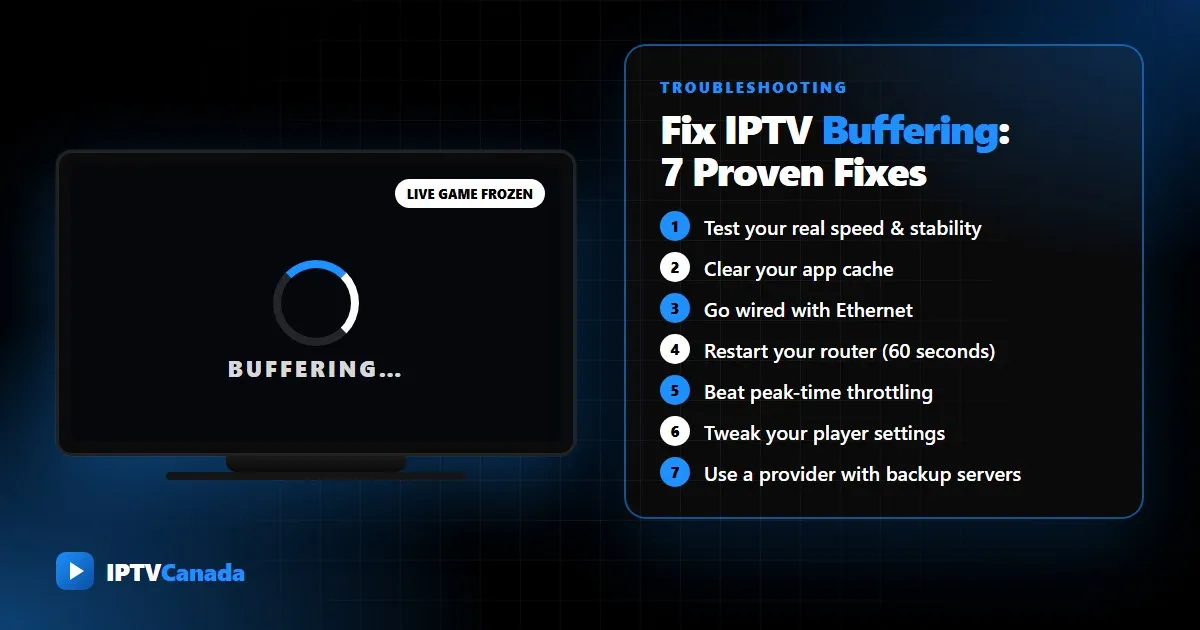
To stop IPTV freezing in Canada, a good subscription is only half the story. Your setup matters too. Here are 7 proven ways to fix IPTV buffering.
1. Test Your Real Internet Speed (and Stability)
Plenty of people pay for “gigabit” internet and still buffer. That’s because live TV needs a stable connection, not just a fast one.
- The minimum: at least 25 Mbps for HD and 50 Mbps for 4K.
- The hidden problem: high “jitter” — a connection that jumps up and down — causes lag even on fast plans.
How to test it properly:
- Open the Silk Browser on your Firestick.
- Go to
fast.com. - Watch the numbers. If your speed swings wildly (say, 100 Mbps down to 10), your Wi-Fi is unstable. Fix that first.
2. Clear Your App Cache (the #1 Fix on Firestick)
After months of use, your IPTV app builds up temporary junk files that slow everything down. Clearing them is the most common IPTV buffering fix for Firestick.
Do this once a week:
- Go to Settings > Applications.
- Select Manage Installed Applications.
- Pick your app (for example, IPTV Smarters Pro).
- Click Force Stop.
- Click Clear Cache.
⚠️ Careful: don’t click “Clear Data” or you’ll lose your login details. Only “Clear Cache”.
3. Go Wired: Wi-Fi vs Ethernet
Watching in the basement or an upstairs bedroom? Wi-Fi drops off fast through walls and floors.
The fix: pick up a Firestick Ethernet adapter (around $20). A cable straight from your router removes interference and is one of the easiest ways to stop IPTV freezing.
4. Restart Your Router the Right Way
It sounds too simple, but routers get bogged down after weeks of running non-stop.
The 60-second rule:
- Unplug your router.
- Wait a full 60 seconds so its memory clears.
- Plug it back in. You’ll often get a fresh, less congested connection.
5. Beat Peak-Time Throttling
Some internet providers slow down streaming traffic during busy evening hours (roughly 7 to 10 p.m.). This is often called ISP throttling.
- The sign: other apps work fine, but live TV buffers at night.
- The fix: try a VPN.
A VPN encrypts your connection, so your provider can’t single out your streaming traffic to slow it down. Our VPN guide explains how to choose one.
6. Tweak Your Player Settings
Sometimes it’s the app, not your internet.
- Hardware decoder: in TiviMate or Smarters, go to Settings > Player and choose Hardware Decoder (HW). It lets the Firestick’s chip do the heavy lifting.
- Buffer size: set it to “Large” to absorb small internet hiccups.
7. The Real Fix: Use a Provider With Backup Servers
Done all six steps — wired connection, clean cache, maybe a VPN — and still lagging? Then your provider is the problem.
Cheap resellers oversell their servers, and those servers crash during big games. No amount of troubleshooting fixes a bad server.
The IPTV Canada difference: at IPTV Canada, we use load balancing:
- We don’t rely on a single server.
- If one gets busy, you’re automatically moved to a backup.
- That’s how we keep streams smooth on the biggest nights.
Quick Checklist: Stop the Freeze
- ✅ Test your real speed and stability.
- ✅ Clear your app cache weekly.
- ✅ Use an Ethernet cable.
- ✅ Beat peak-time throttling with a VPN if needed.
- ✅ Choose a provider with backup servers.
Ready for buffer-free TV? Stop paying for lag. Try IPTV Canada and see what premium servers feel like.
Frequently Asked Questions
What’s the best IPTV buffering fix for Firestick?
The quickest fix is to clear the app cache and restart your router. For a long-term fix, use an Ethernet adapter.
Why does my IPTV only freeze at night?
That’s usually peak-time congestion or throttling by your internet provider. A wired connection and, if needed, a VPN usually help.
Do I need a VPN for IPTV Canada?
No, the service works without one. If you notice speed drops during live sports, a good VPN can help.
Can I use IPTV Canada on several devices?
Yes. We offer plans for 1 to 5 devices — see our pricing page for details.