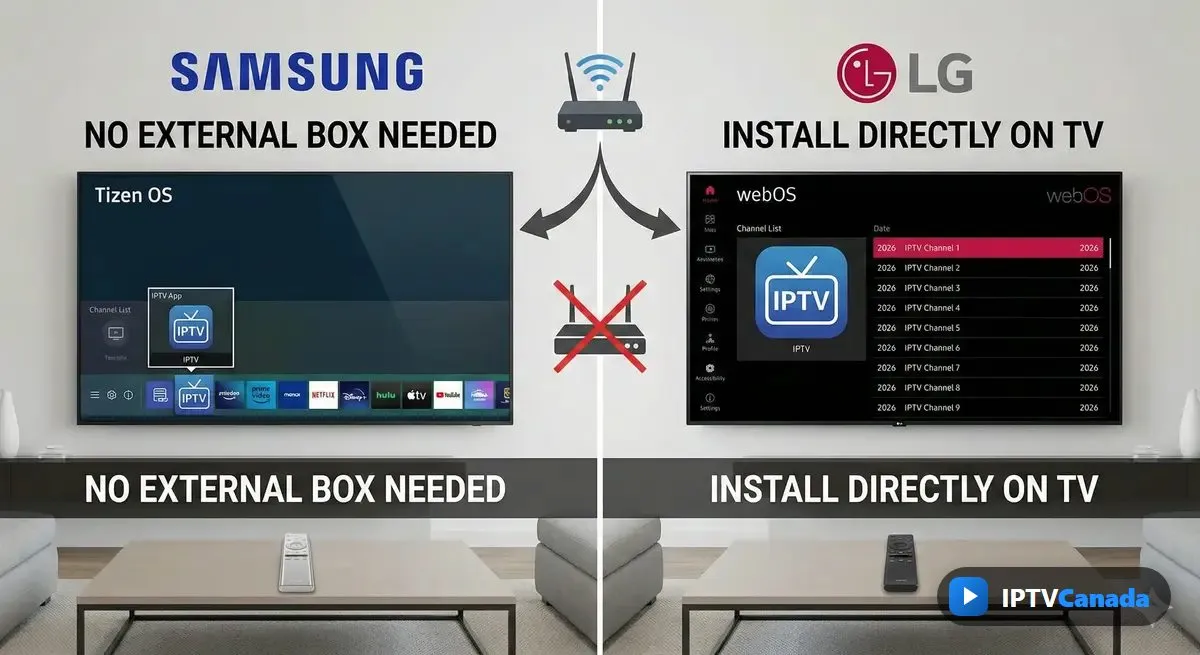
Cable bills from Bell, Rogers and Telus keep hitting new highs, so more Canadians cut the cord every month and switch to IPTV: live sports, international channels and on-demand movies for a fraction of the price.
Which leads to a question that comes up constantly: do you need a VPN for IPTV in Canada?
Short answer: no, it isn’t required — but in some situations it really helps. A good IPTV service works fine without one. A VPN adds privacy, can stop peak-time slowdowns and keeps you safe on public Wi-Fi. Here’s how to decide.
What a VPN Actually Does
A VPN (virtual private network) creates an encrypted tunnel between your device and the internet. Your internet provider can see that you’re using data, but not what you’re doing with it. Websites and services see the VPN server’s address instead of your home IP address.
That’s useful for three things: privacy, avoiding throttling and security on public networks.
A Quick Word on Canadian Law
Canada’s Copyright Modernization Act created a “notice and notice” system. If a rights holder believes someone on your connection is infringing, your internet provider has to forward you their notice by email. The Online Streaming Act (Bill C-11), meanwhile, regulates large streaming platforms, not individual viewers.
A VPN is a privacy tool, not a legal shield — it doesn’t change what’s legal. For the details, read our guide: Is IPTV legal in Canada?
Throttling: Why Your Stream Buffers at 8 p.m.
Ever noticed your stream is perfect in the morning but buffers constantly during the evening hockey game? That can be network congestion, or your provider slowing certain kinds of traffic at peak times — known as throttling.
Internet providers can use deep packet inspection to see what type of traffic is flowing. If high-bitrate video from a premium IPTV provider gets deprioritized during busy hours, your picture suffers.
- Without a VPN: your provider can identify video traffic and manage it.
- With a VPN: your traffic is encrypted, so it’s much harder to single out and slow down.
When a VPN Is Worth It
1. You Value Your Privacy
Your viewing habits are personal. A VPN keeps your internet provider and data brokers from building a log of what you watch.
2. You Keep Getting Evening Slowdowns
If you’ve ruled out Wi-Fi problems and your stream only struggles at peak times, a VPN is one of the most effective fixes. (Try the steps in our buffering guide first.)
3. You Watch on Public Wi-Fi
Watching on your phone or iPad at a hotel, airport or coffee shop? Public Wi-Fi is often unsecured. A VPN encrypts your connection and keeps your logins and personal information safe.
The Best VPNs for Streaming
Free VPNs are usually too slow for live TV, and some sell your data. For smooth 4K, choose a reputable paid service to pair with IPTV Canada.
1. NordVPN (best all-rounder)
Very fast, with lots of Canadian servers in cities like Montreal, Toronto and Vancouver. Its NordLynx protocol keeps encryption from slowing down live sports.
- Stand-out feature: built-in protection that blocks malicious ads and trackers.
2. ExpressVPN (easiest to use)
Not a tech person? ExpressVPN is one button: tap it and you’re protected. Setup on Firestick or NVIDIA Shield is painless.
- Stand-out feature: the Lightway protocol connects quickly and recovers fast if your internet drops.
3. Surfshark (best value)
Great for busy households: it allows unlimited devices, so the TV, phones, laptop and kids’ tablets are all covered on one affordable plan.
How to Set Up a VPN on a Firestick
- Subscribe to a service like NordVPN or ExpressVPN.
- Install: use the Find/Search icon on your Firestick, type the VPN’s name and download the official app.
- Log in with your VPN username and password.
- Connect to a server. For the best speed, choose one close to you — in Toronto, pick Toronto.
- Check it’s on: once it says “Connected”, open your IPTV app and start watching.
The Verdict
You don’t need a VPN to use IPTV Canada. But for about the price of a coffee a month, it can:
- Keep your viewing habits private.
- Stop buffering caused by peak-time throttling.
- Protect you on public Wi-Fi.
If any of those matter to you, it’s a smart add-on. If your stream is already smooth and you watch at home, you can happily skip it.
Want to know more about your digital privacy rights? Visit the Office of the Privacy Commissioner of Canada.