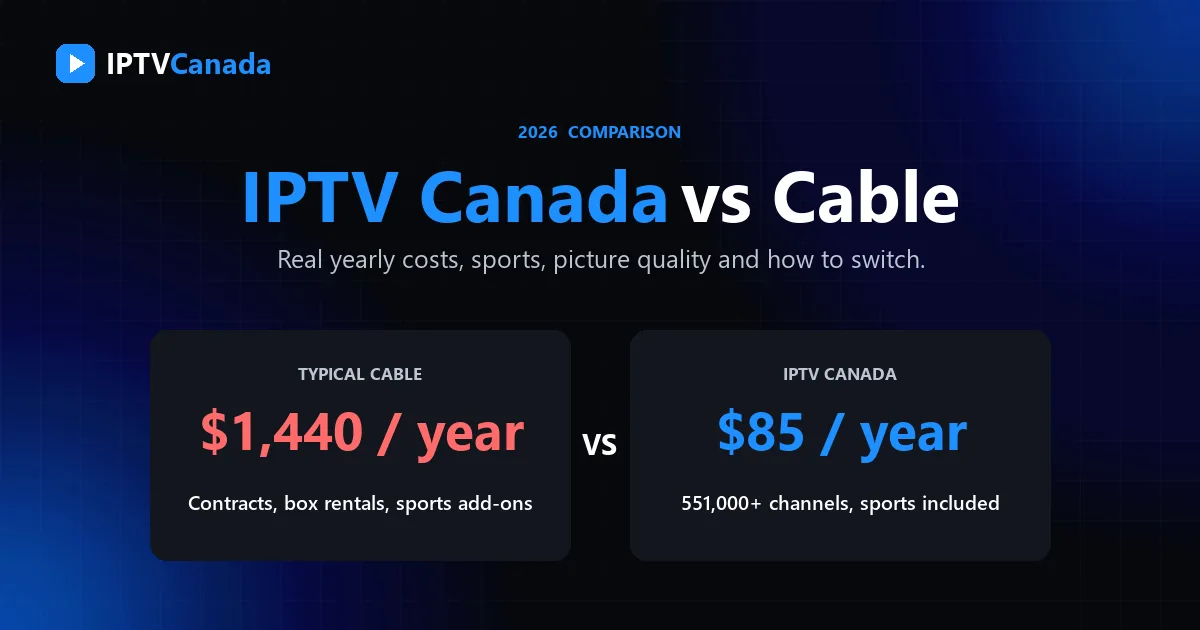
Home entertainment in Canada has changed. You no longer need a Rogers or Bell technician drilling holes in your walls to give you a $120-a-month cable package. The power is in your hands now.
But the jargon can be confusing. “Android boxes”, “Smarters Pro”, “server stability” — what does it all mean? Do you need a box, or just an app? And why does it matter whether your IPTV is Canadian?
This manual covers it all: switching to IPTV from Canada, picking the right IPTV box and getting the most out of IPTV Smarters Pro.
Part 1: Why “IPTV From Canada” Matters
A lot of people type “IPTV” into Google and buy the first $5 deal they see. That’s usually a mistake — those services often run on servers in Europe or Asia.
Here’s why that matters. When you watch a live stream, data travels from the server to your home. The farther it travels, the more delay (latency) you get.
Local Routing Makes a Real Difference
- Less lag: if you’re in Toronto and the server is in Montreal, the signal arrives almost instantly. If it’s in Germany, it has to cross the Atlantic. That’s why cheap international streams buffer and loop.
- Canadian channels done right: providers focused on Canada make sure CBC, TSN, Sportsnet and Global are in Full HD or 4K. Overseas services often treat them as an afterthought with blurry SD feeds.
- Support in your time zone: if something breaks at 7 p.m. Eastern, you want someone who’s awake to help.
Bottom line: look for a provider that clearly mentions North American or Canadian servers. It’s the single biggest factor in avoiding buffering.
Part 2: Do You Need an IPTV Box?
The most common beginner question: “Can I just use my Smart TV, or do I need an IPTV box?”
You can use a Samsung or LG Smart TV — our Smart TV guide shows how. But for most people, a dedicated device gives a better experience.
Where Smart TVs Fall Short
- Processing power: decoding live streams, especially 4K, takes muscle. Many TV processors are slow.
- App choice: Samsung (Tizen) and LG (webOS) have limited app stores, so the best IPTV apps aren’t always available.
Why a Dedicated Box Is Better
An IPTV box plugs into your TV’s HDMI port and does the heavy lifting.
1. The High-End Pick: NVIDIA Shield TV Pro
If budget isn’t an issue, this is the king. AI upscaling makes HD sports look close to 4K, and the Gigabit Ethernet port gives you the most stable connection possible.
2. The Best Value: Amazon Firestick 4K Max
Technically a stick, not a box, but it does the same job. It’s the most popular device for IPTV in Canada: affordable (about $70 CAD), powerful and easy to set up for third-party apps by turning on developer options.
3. Watch Out for Generic Android Boxes
Be careful with no-name boxes from AliExpress or marketplace sellers (names like “T95” or “MXQ Pro”). They advertise “8K” and “4 GB RAM” but often exaggerate their specs, use cheap parts and overheat — freezing your stream after half an hour. Stick with NVIDIA, Amazon or Google (Chromecast with Google TV).
Part 3: Getting the Most Out of IPTV Smarters Pro
With your device and subscription ready, you need an app to watch. For years, the go-to has been IPTV Smarters Pro.
What Is It?
IPTV Smarters Pro doesn’t provide any content — it’s a player. Think of it like a web browser: Chrome doesn’t create websites, it displays them. Smarters displays the content from your IPTV service.
Why Everyone Uses It
- Familiar layout: it looks a lot like a cable box menu, so the whole family can use it.
- Multi-screen: watch up to 4 channels at once — perfect for NFL Sundays.
- Master search: search once and it checks live TV, movies and series at the same time.
- External players: if something won’t play properly, switch to VLC or MX Player in a couple of taps.
Quick Install on Firestick
Smarters isn’t always in the Amazon Appstore, so you’ll sideload it:
- Install Downloader from the Amazon Appstore.
- Open it and enter the download link from the official IPTV Smarters website (or your welcome email).
- Install the app.
- Log in with Xtream Codes API, entering:
- Any name
- Username
- Password
- Server URL (http://…)
Tip: there’s a paid version, but the free one has everything most people need. Full walkthrough in our Smarters setup guide.
Part 4: What Makes the “Best IPTV”?
It’s not about who has the most channels. Judge a service on these four things:
1. Modern Compression (H.265 / HEVC)
Good providers use HEVC compression, which delivers a sharp picture with less bandwidth. Older technology means buffering at peak times like the Super Bowl or the Stanley Cup Final.
2. A Working TV Guide (EPG)
You need to see what’s on now and next. Good providers refresh the guide automatically every day. “No information” next to every channel is a red flag.
3. Catch-Up TV
Missed the 6 o’clock news? Look for catch-up (usually a small clock icon next to the channel), which lets you rewind a channel by several days.
4. A Big On-Demand Library
A great subscription isn’t just live TV. Expect tens of thousands of movies and series, updated with new releases all the time.
Part 5: Smart TV vs Dedicated Box — Quick Comparison
Option A: Smart TV Only
- Pros: no extra cost, one less remote, no extra wires.
- Cons: apps can be slow and TV Wi-Fi is often weak. On Samsung and LG you may need apps like “Smart STB” or “IBO Player”, which can have their own activation fees.
- Verdict: fine if you really don’t want another device.
Option B: Dedicated Box (Firestick or Shield)
- Pros: faster menus, better Wi-Fi, the full Android app selection (VPNs, speed tests, browsers) and easy cache clearing.
- Cons: a small upfront cost ($50 to $250).
- Verdict: the best way to stream. When the box gets old, you replace a $50 box — not a $2,000 TV.
Part 6: Troubleshooting and Evening Slowdowns
Even with a great provider and a fast box, you may hit buffering. In Canada, the cause is sometimes your internet provider.
Throttling
During peak hours (roughly 8 to 11 p.m.), some providers manage congestion by slowing certain kinds of streaming traffic.
What Helps
If your speed test shows 500 Mbps but Smarters still buffers at night, try a wired connection first. If that doesn’t fix it, a VPN encrypts your traffic so it’s much harder to single out and slow down.
- Tip: a reputable VPN costs around $5 a month. See our VPN guide for the best options.
The Bottom Line
Cutting the cord takes a little learning and a small hardware investment. The payoff is big savings and more to watch.
Your roadmap:
- The source: choose a provider with Canadian or North American servers for low lag and great local sports.
- The hardware: get a solid IPTV box like a Firestick 4K Max or NVIDIA Shield. Skip generic boxes that overheat.
- The app: install IPTV Smarters Pro for an easy interface, multi-screen and master search.
- The checklist: look for HEVC streams, a working EPG, catch-up and a big on-demand library.
Follow these steps and you’ll get an experience that rivals — and often beats — cable, for a fraction of the price.