Ask any serious cord-cutter which app they use on their TV and you’ll hear the same answer again and again: TiviMate. It’s widely considered the best IPTV player for Android TV devices, and once you’ve used it, it’s easy to see why.
The free version is solid. But TiviMate Premium unlocks features that turn an NVIDIA Shield or Firestick into a real cable-box replacement. This guide shows you how to install it, upgrade it and set it up for the best picture.
Why TiviMate Is So Popular
Many IPTV apps feel like phone apps stretched onto a TV. TiviMate was built from day one for big screens and a remote control.
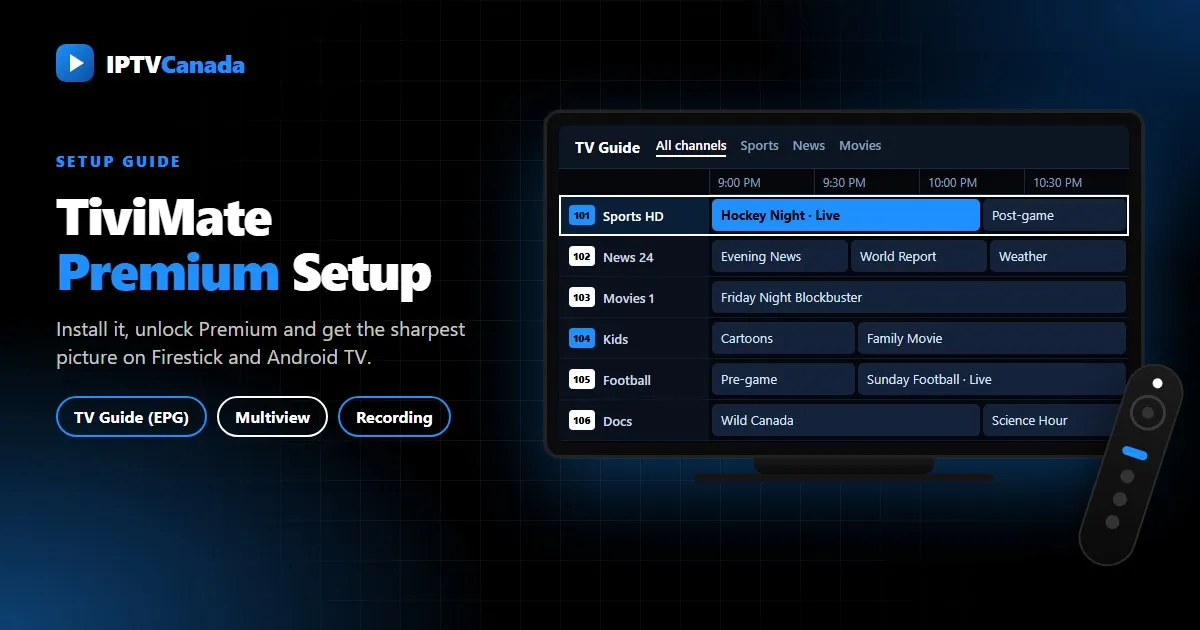
- Fast channel switching: flip between channels almost instantly.
- Catch-up TV: scroll back in the guide and watch what you missed.
- Recording: schedule recordings of your favourite shows.
- Multiview: watch up to 4 games on one screen.
How to Install TiviMate on Android TV or Firestick
TiviMate is on the Google Play Store for Android TV boxes. On a Firestick you’ll need to sideload it:
- Open the Downloader app.
- Enter the official TiviMate code or URL.
- Install the app and open it.
- Choose “Add Playlist” and enter your Xtream Codes login (username, password and URL).
Good to know: TiviMate is an empty player. It doesn’t come with channels — you connect it to your IPTV service to watch TV.
How to Unlock TiviMate Premium
Recording and Multiview need the Premium version (roughly $10 a year or $30 for lifetime at the time of writing). Google Pay doesn’t run on Firesticks, so you’ll use the TiviMate Companion app instead:
- Install TiviMate Companion on any Android phone from the Play Store.
- Create an account and buy the subscription.
- Go back to TiviMate on your TV.
- Open Settings > Unlock Premium.
- Sign in with the account you just created.
Settings for the Best Picture
Once Premium is unlocked, a couple of quick tweaks make a big difference:
- Go to Settings > Playback.
- Turn on AFR (Auto Frame Rate). It matches your TV’s refresh rate to the stream, which really matters for 60 fps sports.
- Got a 4K TV? Make sure your Android TV box resolution is set to 4K too.
The Final Piece: A Fast, Stable Service
Think of TiviMate as a great car. It still needs good fuel. TiviMate works best with a service that offers high-bitrate streams and a full TV guide (EPG).
IPTV Canada is a great match: our servers are tuned for TiviMate’s fast channel switching and EPG. 👉 Get your free 24-hour trial here
The Bottom Line
If you have an Android TV device, TiviMate Premium is worth every penny. It’s the closest thing to a traditional cable experience you’ll find. Follow the steps above, pair it with a reliable subscription, and enjoy smooth, buffer-free TV.